Minimum Internet Speed for View IPTV: 1080p, 4K UHD, and Multi-Room Benchmarks
Detailed bandwidth and latency benchmarks showing exactly how many Mbps your connection needs to stream View IPTV in 4K without buffering.
ViewTV Speed Lab
Verified Technical Guide
Key Takeaways & Quick Summary
- 1A steady 15 Mbps download speed easily supports 1080p Full HD live streaming on View IPTV.
- 2True 4K Ultra HD streams require a steady 25 to 30 Mbps per active screen.
- 3Ping and network jitter matter more than raw speed; a jitter under 15ms ensures zero micro-buffering.
One of the first questions potential cord-cutters ask is: *“Is my residential internet fast enough for view iptv?”* While having blazing gigabit fiber is great, it is definitely not required for smooth high-definition viewing.
Let’s examine the exact bandwidth, ping, and network jitter benchmarks required to stream view iptv flawlessly across single and multi-screen households.
Speed Benchmarks by Video Resolution
Because View IPTV utilizes modern H.265/HEVC compression, data delivery is exceptionally efficient:
Standard Definition (SD) Feeds: 5 Mbps Minimum
Sufficient for low-bandwidth cellular connections and older mobile devices.
Full High Definition (1080p 60fps): 15 Mbps Minimum
The standard for live sports, news, and cinema channels. Delivers sharp, fluid motion without hiccups.
4K Ultra High Definition (UHD): 25 to 30 Mbps Minimum
Required for dedicated 4K event channels to support uncompressed colors and multi-channel Dolby audio.
Multi-Room Bandwidth Calculations
If you choose a multi-connection plan (such as 2, 3, or 4 screens), simply multiply the per-stream bandwidth by the number of active screens.
For example, three family members streaming 1080p simultaneously will require approximately 45 Mbps of steady aggregate download speed.
Why Ping and Jitter Matter More Than Raw Speed
You can have a 500 Mbps internet plan, but if your Wi-Fi suffers from high jitter (inconsistent packet arrival intervals), your stream will buffer.
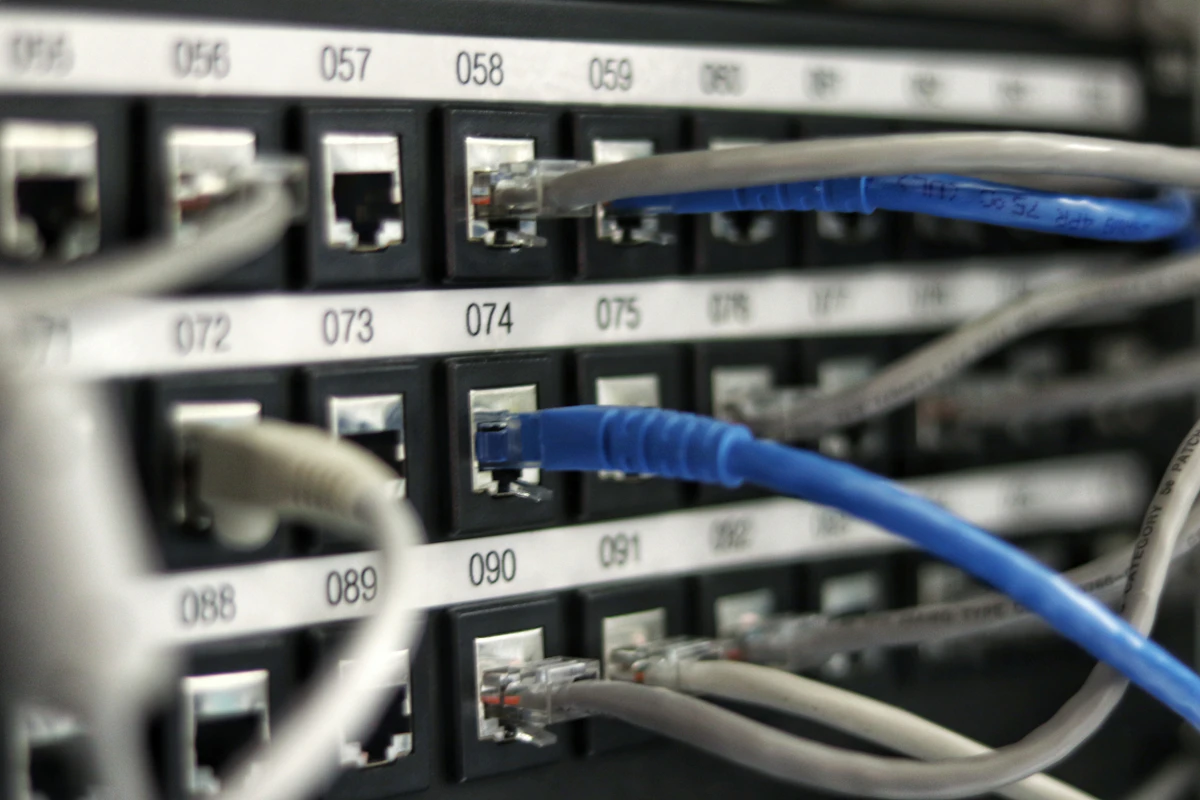
Aim for a ping under 50ms and a jitter under 15ms when running a speed test. Connecting via Cat6 Ethernet or 5GHz Wi-Fi keeps jitter at near-zero levels.
Frequently Asked Questions
Can I stream view iptv on mobile data (4G/5G)?
Yes! View IPTV works smoothly on 4G LTE and 5G cellular networks with minimal data overhead thanks to HEVC compression.
How do I test my speed specifically to streaming servers?
Run a standard speed test to a nearby server while ensuring no large background downloads or game updates are running on your network.
Need Help Configuring Your Setup?
Our team is active on WhatsApp (+44 7934 683184) and email (tvplusone24@gmail.com) to walk you through playlist setup, recommend media players, or activate your subscription instantly.
Keep Reading
Recommended Streaming Guides

Top 7 ViewTVy Playback Optimization Tips: Fix Buffering & Boost Speed

View IPTV Explained: The Complete Buyer’s Guide to Premium IP Broadcasting