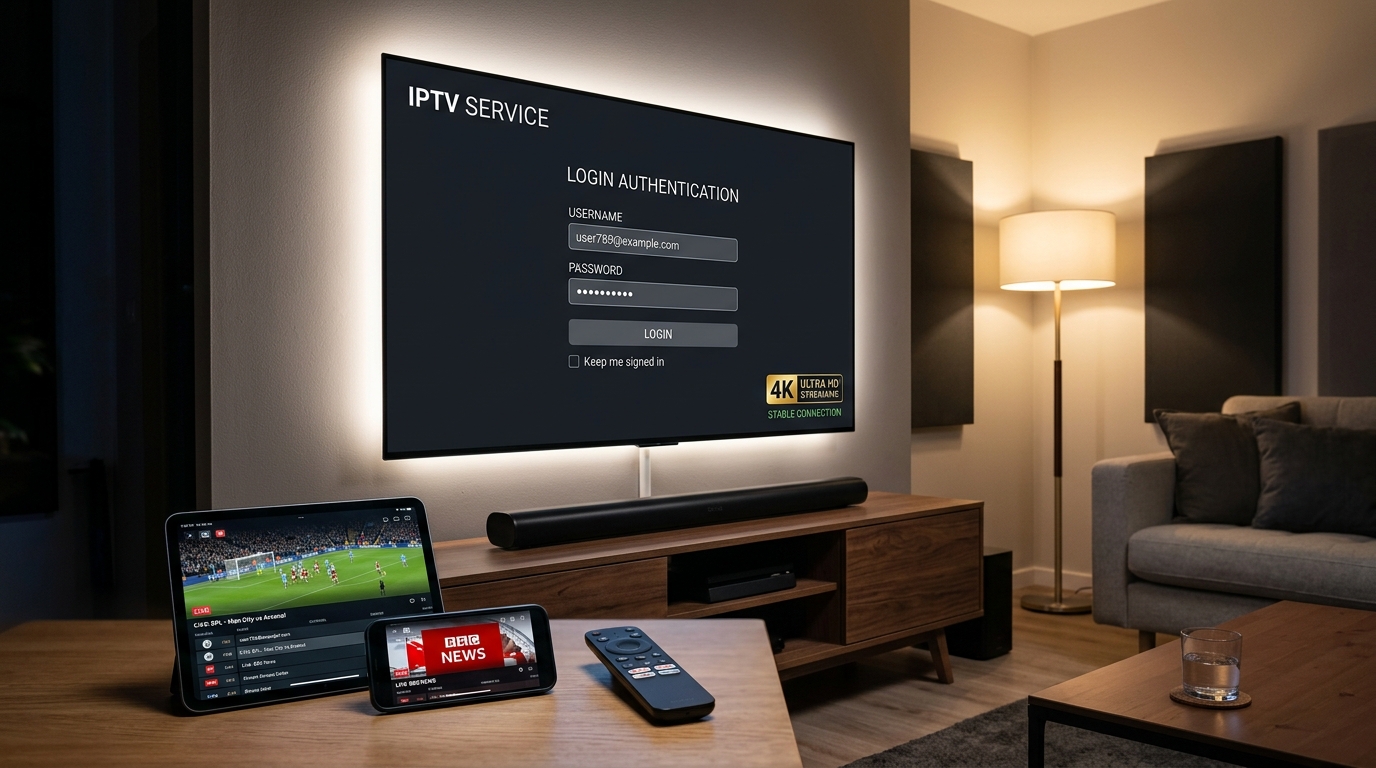
IPTV on Apple TV: Complete Setup Guide, Top Apps & 4K HDR Streaming (2026)
Transform your Apple TV 4K into the ultimate high-definition broadcast powerhouse. Learn how to install top tvOS IPTV players like IPTVX and Smarters, configure Xtream Codes playlists, and stream 50,000+ live 4K channels.
Apple Ecosystem Streaming Specialist
Verified Technical Guide
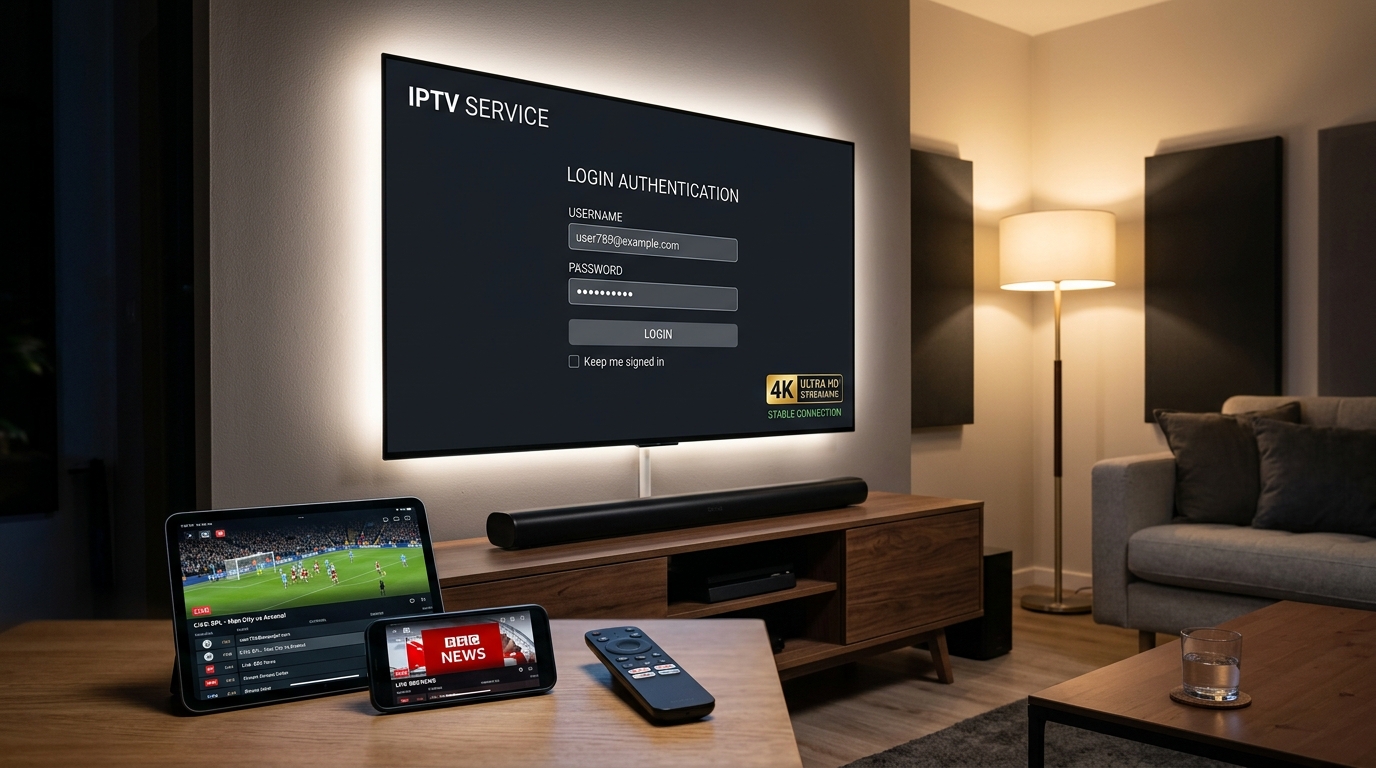
Key Takeaways & Quick Summary
- 1Apple TV 4K powered by Apple’s A15 Bionic chip is the most responsive, high-fidelity streaming hardware for IPTV, supporting native 4K 60fps, Dolby Vision, HDR10+, and Spatial Audio.
- 2Unlike Firestick hardware (see our [IPTV on Firestick guide](/blog/iptv-on-firestick)) where sideloading is common, Apple TV IPTV apps are downloaded safely and directly from the official tvOS App Store.
- 3Top tvOS media players like IPTVX, IPTV Smarters Pro, iPlayTV, and GSE Smart IPTV deliver breathtaking Netflix-style interfaces, seamless Siri Remote gestures, and iCloud sync across Apple devices.
- 4Setting up your [IPTVBoz subscription plans](/pricing) on Apple TV takes under 3 minutes using Xtream Codes API credentials, or by checking our dedicated [Apple TV setup tutorial](/setup-guides/apple-tv), with typing made effortless via your iPhone or iPad Continuity Keyboard.
- 5With plans starting at $14.99/mo or $59.99/yr, you get 50,000+ live HD/4K channels with zero hardware leasing fees, backed by 24/7 WhatsApp assistance at +44 7934 683184.
For home theater enthusiasts and Apple ecosystem users, the Apple TV 4K represents the pinnacle of streaming hardware. Powered by Apple’s custom silicon, featuring a sleek aluminum Siri Remote with capacitive touch navigation, and running tvOS with liquid-smooth 60fps animations, it is universally recognized as the most refined media streamer on the market. When you configure iptv on apple tv, you combine this elite industrial hardware with the immense channel freedom of digital internet television.
However, because Apple maintains strict App Store guidelines and does not permit traditional sideloading of raw APK files, many newcomers assume setting up IPTV on Apple TV is difficult or restricted. In reality, the tvOS App Store hosts some of the most visually stunning, technically sophisticated IPTV player applications in the world—including bespoke apps like IPTVX that look and feel like Apple TV+ or Netflix.
In this exhaustive 2026 guide, we walk you through everything needed to achieve the ultimate IPTV viewing experience on your Apple TV. We rank the top tvOS IPTV player apps, provide a step-by-step setup tutorial, explain how to leverage unique Apple ecosystem features (like Continuity Keyboard, Picture-in-Picture, and Spatial Audio), and share proven settings to eliminate buffering.
Why Apple TV 4K is the Ultimate Hardware Platform for IPTV in 2026
While budget streaming dongles are popular for secondary screens, the Apple TV 4K stands in a league of its own when it comes to living room picture fidelity, speed, and processing muscle.
Under the hood, the Apple TV 4K features Apple’s A15 Bionic processor paired with 4GB of high-speed RAM. While budget dongles often struggle to decode high-bitrate 4K 60fps sports streams or render large EPG guide grids containing thousands of channels, Apple TV handles heavy video pipelines effortlessly without thermal throttling or dropped frames.
Unmatched Video & Audio Fidelity
The Apple TV 4K features automatic Frame Rate and Dynamic Range matching. When you tune into a 24fps film, a 50fps European football match, or a 60fps American sports broadcast, tvOS adjusts your TV’s refresh rate in real time, preventing judder and motion blur.
Furthermore, with native support for Dolby Vision, HDR10+, and Dolby Atmos audio pass-through, you experience broadcasts with theatrical color depth and immersive multi-channel sound.
Official App Store Security (No Sideloading Required)
On Android TV and Firestick devices, viewers often have to enable developer options and download APK installers from third-party websites. On Apple TV, every approved IPTV application is vetted by Apple and installed directly from the official tvOS App Store.
This guarantees clean code, sandbox security, automated background updates, and zero risk of malware or corrupted installation files.
Top 5 IPTV Apps for Apple TV (tvOS) Ranked & Reviewed
The quality of your IPTV experience on Apple TV depends directly on the media player you choose. Here are the top five tvOS IPTV player applications ranked by design, speed, and feature set:
1. IPTVX (The Gold Standard for tvOS)
IPTVX is universally acclaimed as the most visually breathtaking IPTV application ever created. Built exclusively for the Apple ecosystem, IPTVX looks and operates like a premier commercial streaming app such as Netflix or Disney+.
• Key Highlights: Automatic high-definition movie posters, backdrop artwork, actor biographies, trailer previews, interactive TV guide (EPG) with timeline scrubbing, multi-screen picture-in-picture, and iCloud synchronization that seamlessly mirrors your favorites and watch history between Apple TV, iPhone, iPad, and Mac.
• Best For: Anyone who demands a luxury, magazine-quality interface that takes full advantage of the Apple TV 4K remote and UI.
2. IPTV Smarters Pro (The Trusted Multi-Platform Workhorse)
IPTV Smarters Pro on tvOS brings the familiar, battle-tested layout used by millions worldwide. It separates content into clean tiles for Live TV, Movies, and Series with quick access to account details and EPG schedules.
• Key Highlights: Built-in hardware video player, native Xtream Codes API integration, parental control password protection, multi-screen viewing, and reliable audio track and subtitle switching.
• Best For: Families who already use IPTV Smarters on other household devices and want consistency.
3. iPlayTV (Clean Cable-Style Grid Layout)
iPlayTV has long been a staple in the tvOS IPTV community. It offers a classic, fast-loading electronic program guide that mimics high-end cable and satellite decoders.
• Key Highlights: Multi-playlist support, XMLTV guide parsing, custom channel organization, OpenSubtitles integration, and instantaneous channel switching with zero hesitation.
• Best For: Traditional TV viewers who prioritize channel surfing and a straightforward grid guide.
4. GSE Smart IPTV (Comprehensive Codec & Format Support)
GSE Smart IPTV is a powerful, highly flexible player equipped with internal dynamic parsers capable of handling virtually every video container and playlist protocol available.
• Key Highlights: Support for M3U, JSON, and Xtream Codes API, external subtitle integration, multiple EPG URL support, and customizable stream buffer configurations.
• Best For: Advanced technical users who need extensive configuration control over streams and audio tracks.
5. UHF / Snappier IPTV (Modern Swift-Native Innovation)
UHF is a modern tvOS application engineered natively in Apple’s Swift language. It focuses on ultra-clean aesthetics, buttery 60fps animations, and tight integration with tvOS system features.
• Key Highlights: Native tvOS video player, Picture-in-Picture support, custom channel grouping, and rapid playlist refreshing with minimal memory usage.
• Best For: Minimalists who appreciate elegant typography and modern Apple design principles.
Step-by-Step Tutorial: How to Set Up IPTV on Apple TV in 3 Minutes
Setting up your IPTVBoz IPTV subscription on Apple TV is fast and straightforward. Follow these steps to get up and running:
Step 1: Install Your Chosen App from the tvOS App Store
1. On your Apple TV home screen, open the official App Store.
2. Navigate to the Search tab (magnifying glass) at the top.
3. Search for your chosen player—such as IPTVX or IPTV Smarters Pro.
4. Click Get or Download to install the application to your Apple TV.
Step 2: Launch the App and Select Xtream Codes API
1. Open the newly installed app from your Apple TV home screen.
2. When prompted to add a playlist, select Xtream Codes API (recommended over M3U for faster loading, automatic category sorting, and richer EPG metadata).
3. You will see fields for Account Name, Server URL, Username, and Password.
Step 3: Enter Your Credentials Effortlessly via iPhone Continuity
Typing long URLs and complex passwords with a TV remote can be tedious. With Apple TV, you do not have to:
• When the text input field appears on your Apple TV, a notification will immediately pop up on your nearby iPhone or iPad saying "Apple TV Keyboard".
• Tap the notification on your iPhone, and use your phone’s keyboard to copy and paste your Server URL, Username, and Password directly from your IPTVBoz activation email or WhatsApp message.
• Enter `IPTVBoz` or `VIEWIPTV` as the playlist name, enter your credentials, and click Connect.
Step 4: Synchronize Channels and TV Guide
The application will establish a secure connection with our high-speed Content Delivery Network (CDN). Within seconds, all 50,000+ live broadcast channels, sports categories, EPG program guides, and on-demand titles will synchronize and be ready for instant streaming.
Unlocking Exclusive Apple Ecosystem Features with IPTV
Streaming IPTV on Apple TV provides unique advantages that are simply not available on Android boxes or Smart TV operating systems:
Picture-in-Picture (PiP) Multitasking
With tvOS Picture-in-Picture, you can minimize your live broadcast into a resizable window in the corner of your screen. Keep an eye on a live sports match while checking the weather, adjusting smart home cameras, or browsing other apps without interrupting audio or video playback.
Private Stadium Sound with AirPods & Spatial Audio
Want to watch late-night international soccer or a blockbuster movie at theater volume without disturbing family members? Connect your AirPods Pro or AirPods Max to Apple TV.
With Apple’s Personalized Spatial Audio and dynamic head tracking, the stadium atmosphere or cinematic soundstage stays anchored to your television display, delivering an astonishingly immersive acoustic experience.
Multi-User Profile Switching
Apple TV supports native tvOS multi-user profiles. Each member of your household can switch profiles by holding the TV button on the Siri Remote, maintaining their own private favorites, watch history, and audio preferences.
Optimization & Troubleshooting: Zero Buffering on Apple TV
To ensure silky-smooth, buffer-free 4K streaming during high-traffic worldwide sporting events, apply these proven configuration settings:
1. Enable "Match Content" in tvOS Settings
Go to Settings > Video and Audio > Match Content on your Apple TV.
Turn Match Dynamic Range to ON and Match Frame Rate to ON. This ensures your TV switches accurately between SDR, HDR10, and Dolby Vision, and matches 50Hz/60Hz sports feeds natively without jitter.
2. Prefer Hardwired Gigabit Ethernet
If your Apple TV 4K model features an Ethernet port, connect it directly to your router using a Cat6 cable. Hardwired Ethernet provides steady, zero-jitter throughput that immune to wireless interference.
3. Optimize Fast Public DNS
In Settings > Network > Wi-Fi (or Ethernet) > Configure DNS, switch from Automatic to Manual and set your primary DNS to Cloudflare (`1.1.1.1`) or Google DNS (`8.8.8.8`). This accelerates server hostname lookups and channel zapping times.
Frequently Asked Questions
Can I sideload APK apps on Apple TV for IPTV?
No, Apple TV runs tvOS which uses official App Store packages (.ipa) rather than Android .apk files. You do not need to sideload anything because world-class IPTV apps like IPTVX, IPTV Smarters Pro, and iPlayTV are available directly in the official Apple tvOS App Store.
Does IPTVX on Apple TV sync with my iPhone and iPad?
Yes! One of the standout benefits of IPTVX is native iCloud synchronization. When you favorite a channel, create a custom playlist, or pause a movie on Apple TV, your exact progress and preferences sync automatically to IPTVX on your iPhone, iPad, and Mac.
What is the best IPTV app for Apple TV 4K?
For pure visual elegance, Netflix-style layout, and Apple ecosystem polish, IPTVX is widely considered the #1 choice. For traditional cable-style grid navigation, iPlayTV is outstanding, while IPTV Smarters Pro is the most versatile multi-platform player.
Can I watch 4K live sports on Apple TV with an IPTV subscription?
Yes! IPTVBoz delivers premier 4K Ultra HD and 1080p 60fps sports channels across international football, basketball, motorsports, and fight events. When paired with the Apple TV 4K’s A15 Bionic processor and a 50+ Mbps connection, broadcasts render in pristine, fluid quality.
How do I get an IPTV subscription for my Apple TV?
Choose your desired subscription duration on our pricing directory or reach out directly to our customer desk on WhatsApp at +44 7934 683184. You will receive your secure Xtream Codes API credentials via WhatsApp and email within minutes, ready to enter on your Apple TV.
Need Help Configuring Your Setup?
Our team is active on WhatsApp (+44 7934 683184) and email (tvplusone24@gmail.com) to walk you through playlist setup, recommend media players, or activate your subscription instantly.
Keep Reading
Recommended Streaming Guides
IPTV on Firestick: Complete Setup Guide, Best Apps & 4K Streaming (2026)
IPTV Subscription: Complete Guide to the Best Plans, Setup & Channels (2026)