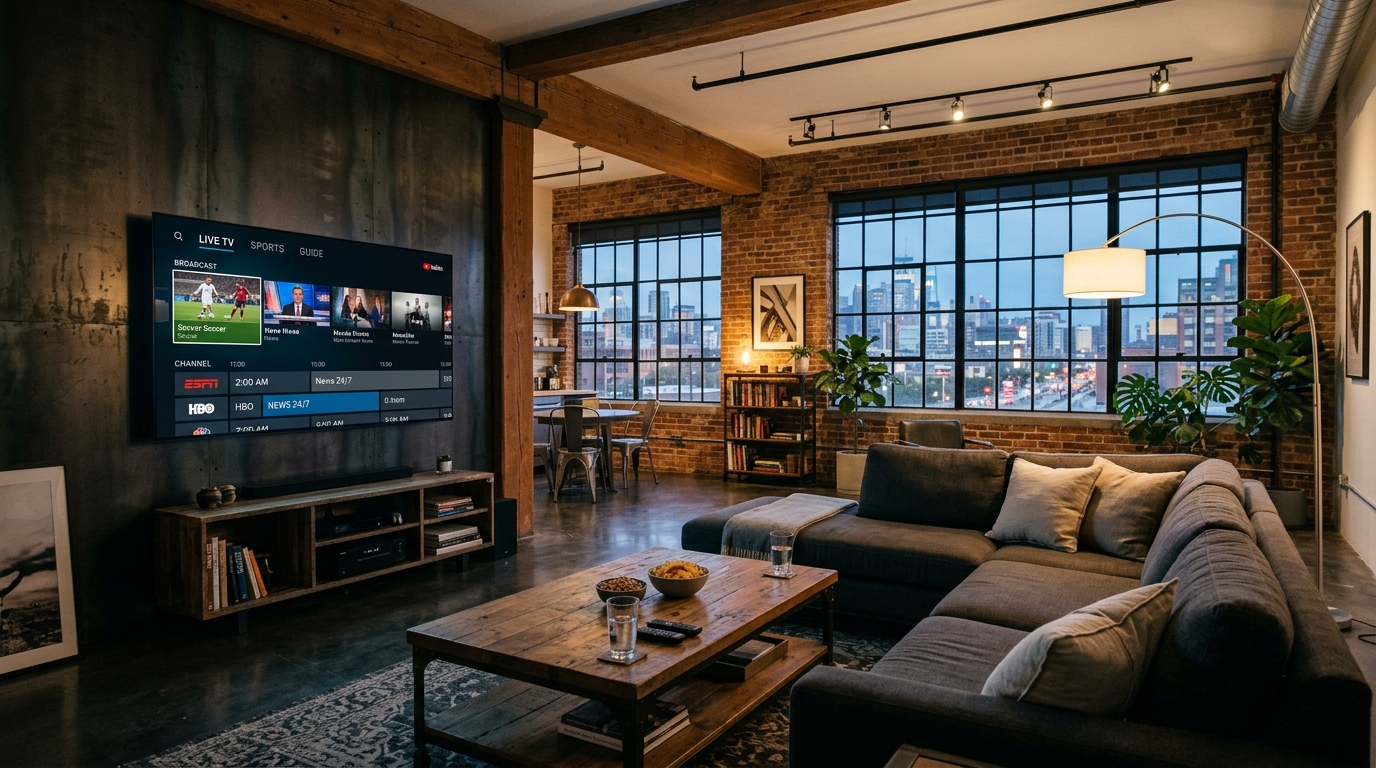
How to Stream TV: Complete Beginner to Advanced Guide (2026)
Ready to cut the cord and stream TV on your terms? Learn how to choose the right streaming devices, optimize home Wi-Fi speeds, and access 50,000+ live channels with zero cable bills.
Streaming Tech Specialist
Verified Technical Guide
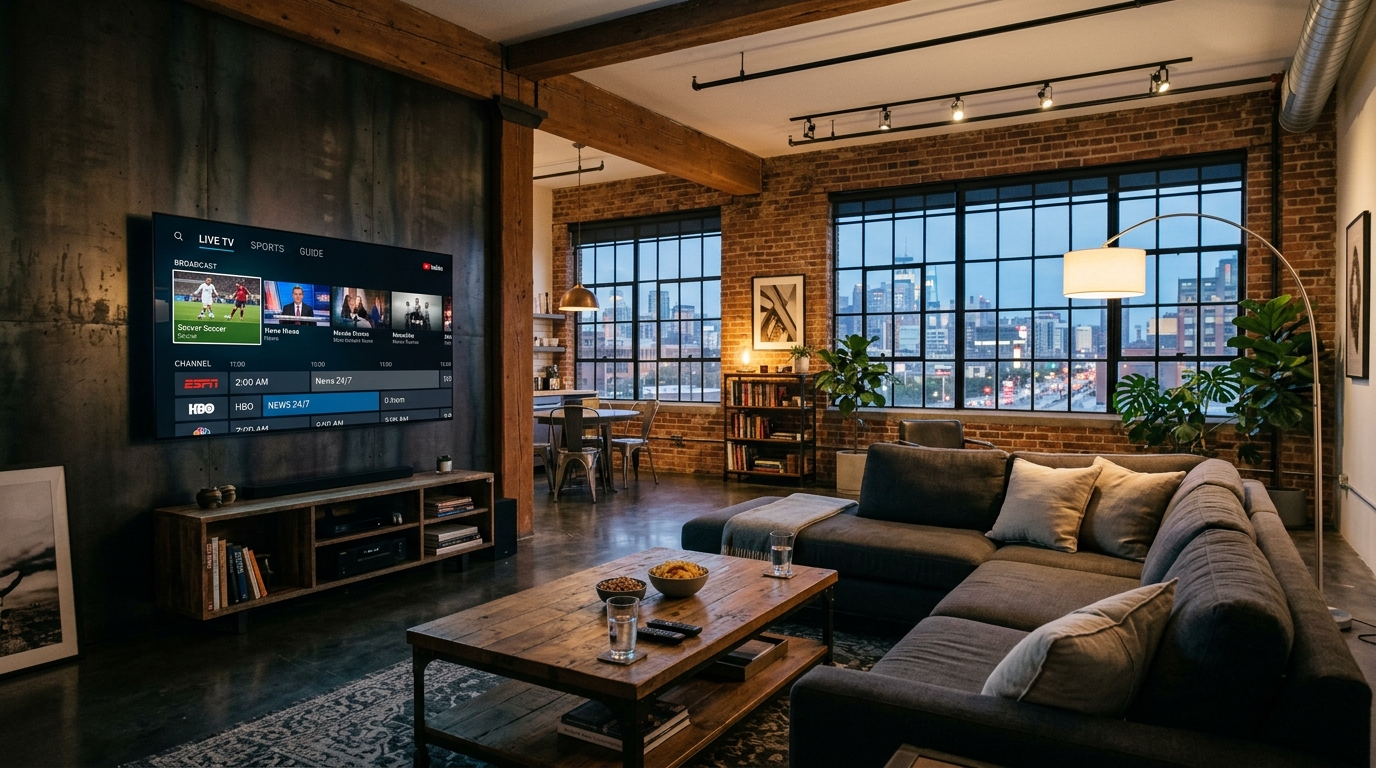
Key Takeaways & Quick Summary
- 1To stream TV in 2026, you only need three essentials: high-speed broadband internet, a compatible display or streaming device, and a streaming application.
- 2Recommended internet bandwidth: 10 Mbps for standard HD (1080p), and 25 to 50 Mbps per screen for fluid 4K Ultra HD 60 FPS live sports without buffering.
- 3Standalone media devices like the Amazon Fire TV Stick 4K Max and Apple TV 4K provide faster navigation and broader app support than built-in Smart TV operating systems.
- 4Streaming live broadcast television (ABC, CBS, NBC, FOX) and out-of-market sports no longer requires expensive $80/mo virtual cable bundles.
- 5Using an all-in-one IPTV service like IPTVBoz ($14.99/mo) lets you stream TV with 50,000+ live global channels, 40,000+ on-demand titles, and zero equipment leases.
Learning how to stream tv has become the single most effective way to eliminate inflated cable bills, bypass binding two-year contracts, and take full control over your living room entertainment. A decade ago, television was tied to copper coaxial cables, bulky set-top converter boxes, and scheduled broadcast windows.
Today, high-speed broadband internet allows you to stream tv on any screen in your home—from large living room OLED displays to smartphones and tablets—with higher picture fidelity, instant channel changes, and massive global variety.
Whether you are completely new to cord-cutting or looking to upgrade your existing setup to pristine 4K 60FPS feeds, this comprehensive guide walks you through every step to stream TV reliably and affordably in 2026.
What Does It Mean to Stream TV?
At its fundamental level, to stream tv means receiving continuous digital video and audio data packets over an internet connection and playing them in real time without downloading the entire media file beforehand.
Unlike traditional cable or satellite—which broadcasts hundreds of radio frequencies into your wall simultaneously—streaming uses efficient unicast internet protocols (such as HLS and MPEG-DASH). When you select a channel or movie, your device requests only that specific stream, delivering maximum bandwidth and image clarity.
Streaming television encompasses both on-demand entertainment (like Netflix or Disney+) and live linear television (such as IPTVBoz IPTV, YouTube TV, or Pluto TV), giving you the best of modern streaming libraries alongside classic real-time television.
4 Simple Steps to Stream TV in Any Room
Setting up a streaming system in your home is remarkably straightforward. Follow these four foundational steps to get started:
Step 1: Check Your Home Internet Bandwidth
Because video data travels across broadband, your internet download speed is the foundation of your streaming experience. Run a quick speed test on your home network to ensure your connection meets streaming requirements:
• Standard Definition (480p): 3 Mbps • High Definition (1080p HD): 8 – 15 Mbps • 4K Ultra HD (60 FPS): 25 – 50 Mbps per active screen If multiple family members stream TV simultaneously while gaming or browsing, a broadband tier of 100 Mbps to 300 Mbps ensures zero slowdowns.
Step 2: Choose Your Streaming Hardware
You do not need a brand-new television to stream TV. If your TV has a standard HDMI port, you can plug in an affordable streaming stick:
• Amazon Fire TV Stick 4K Max: Highly recommended for its price-to-performance ratio, Wi-Fi 6 support, and easy sideloading of IPTV players. • Apple TV 4K: The premium standard, offering instantaneous app launching, an ad-free home interface, and fluid frame-rate matching. • Google TV with Chromecast: Great budget choice with universal voice search and Google Assistant integration. • Built-In Smart TV Systems: Samsung Tizen and LG webOS allow direct app downloads without external dongles, though processors can slow down after a few years.
Step 3: Select Your TV Provider or Streaming Apps
Decide what kind of content you want to watch. If you want on-demand movies, install standalone apps like Netflix or Prime Video. If you want live sports, local channels, and prime-time news without cable bills, pair your device with a comprehensive service like IPTVBoz IPTV.
Step 4: Connect to Wi-Fi and Start Watching
Connect your streaming hardware to your 5 GHz Wi-Fi network (or use a wired Ethernet adapter for maximum stability). Launch your streaming player app, input your credentials or playlist URL, and begin enjoying thousands of channels instantly.
Best Devices to Stream TV Compared (2026)
Selecting the right playback hardware ensures responsive menus, fluid channel switching, and zero lag:
• Amazon Fire TV Stick 4K Max: $59.99 | Wi-Fi 6E | Dolby Vision & Atmos | Sideloading: Excellent | Value Score: 9.6 / 10 • Apple TV 4K (3rd Gen): $129.00 | Gigabit Ethernet / Wi-Fi 6 | Dolby Vision & Atmos | Sideloading: Moderate (App Store Players) | Value Score: 9.3 / 10 • Chromecast with Google TV: $49.99 | Wi-Fi 5 | Dolby Vision | Sideloading: Good | Value Score: 8.8 / 10 • Roku Streaming Stick 4K: $49.99 | Dual-Band Wi-Fi | Dolby Vision & HDR10+ | Sideloading: Restricted | Value Score: 8.2 / 10 • Built-in Smart TV (Samsung/LG): Free with TV | Standard Wi-Fi | HDR Supported | Sideloading: Limited | Value Score: 8.0 / 10
For expanded device walkthroughs, check out our dedicated devices setup guides and hardware reviews in streaming TV explained.
How to Stream Live TV and Sports Without Cable
The biggest hesitation consumers face when cutting the cord is losing live sports and local channels. Mainstream corporate streaming apps often charge $75 to $95 per month while still imposing frustrating local blackouts on home teams.
The modern solution is IPTVBoz IPTV, engineered specifically to deliver seamless live television over broadband:
• 50,000+ Live Broadcast Feeds: Local ABC, CBS, NBC, and FOX stations from every major metropolitan market, plus national cable channels (ESPN, CNN, HGTV, Discovery). • Zero Sports Blackouts: Watch NFL Sunday Ticket, NBA League Pass, Premier League, UEFA Champions League, and UFC PPV matches in native 4K 60FPS. • Lightweight Player Compatibility: Stream TV effortlessly on TiviMate, IPTV Smarters Pro, XCIPTV, and GSE Smart IPTV. • No Equipment Leases: Works on your existing Firesticks, Apple TVs, Smart TVs, and smartphones with zero hidden box rental charges.
Discover our flexible pricing packages and start streaming live television for just $14.99 per month.
Troubleshooting: How to Fix Common Streaming Problems
If you encounter buffering, frozen frames, or audio sync delays while trying to stream TV, use these quick technical fixes:
1. Switch to the 5 GHz Wi-Fi Band: Most home routers broadcast both 2.4 GHz and 5 GHz bands. While 2.4 GHz has longer range, 5 GHz provides much higher bandwidth and lower latency, preventing buffer stalls. 2. Clear Application Cache: Streaming players store temporary thumbnail data that can accumulate and slow down navigation. Go to your device’s Application Settings and click "Clear Cache" once a month. 3. Restart Your Router and Streaming Stick: Power-cycling your modem, router, and streaming stick refreshes IP address leases and clears temporary memory bottlenecks. 4. Use Ethernet for 4K Sports: If your TV is located far from your wireless router, connecting a direct Cat6 Ethernet cable ensures zero interference during live championship broadcasts.
Check out our comprehensive guide on how to fix IPTV buffering for advanced network optimization tips.
Frequently Asked Questions
Do I need a smart TV to stream TV?
No. Any television with a standard HDMI input can stream TV. Simply plug in a streaming media stick like an Amazon Fire TV Stick, Apple TV, or Google TV Chromecast, connect it to your home Wi-Fi network, and download your favorite streaming applications.
How much internet data does streaming TV consume per hour?
Streaming standard definition video uses approximately 1 GB of data per hour. High definition (1080p HD) uses roughly 3 GB per hour, while 4K Ultra HD streaming consumes approximately 7 GB to 10 GB per hour. If your home broadband has a monthly data cap, monitoring 4K viewing hours is recommended.
Can I stream TV on multiple screens at the same time?
Yes. Most modern streaming services support simultaneous connections. IPTVBoz IPTV offers multi-screen account options that allow up to three independent displays to stream live TV at the same time across different rooms in your house.
Can I stream live local channels without an antenna?
Yes. Services like IPTVBoz IPTV broadcast direct live feeds of local network affiliates (ABC, CBS, NBC, FOX, PBS) across every major domestic market over your internet connection, eliminating the need for rooftop or indoor digital antennas.
What is the easiest app to stream TV live on a Firestick?
TiviMate and IPTV Smarters Pro are widely considered the easiest and most feature-rich applications for streaming live TV on Fire TV devices. They provide cable-style TV guides, fast channel switching, catch-up TV, and multi-screen viewing.
Need Help Configuring Your Setup?
Our team is active on WhatsApp (+44 7934 683184) and email (tvplusone24@gmail.com) to walk you through playlist setup, recommend media players, or activate your subscription instantly.