Streaming TV Explained: Formats, Devices & Best Services
Everything you need to know about streaming TV in 2026. Discover how it works, compare live and on-demand formats, and build your ideal entertainment setup.
Streaming Tech Specialist
Verified Technical Guide
Key Takeaways & Quick Summary
- 1Streaming TV delivers continuous real-time digital video packets across broadband internet using adaptive bitrate protocols like HLS and MPEG-DASH.
- 2Unlike legacy cable that broadcasts all RF frequencies into homes simultaneously, streaming TV uses unicast transmission, delivering only the active channel at maximum fidelity.
- 3The landscape encompasses four primary formats: Live TV/IPTV, Subscription Video On-Demand (SVOD), Free Ad-Supported TV (FAST), and Unified hybrid networks.
- 4Hardware independence allows consumers to use affordable, non-leased streaming sticks (Firestick 4K, Apple TV) or built-in Smart TV apps, saving hundreds annually.
- 5Carrier-grade IPTV solutions like IPTVBoz deliver 50,000+ live HD/4K channels and 40,000+ on-demand movies for $14.99/mo with zero contracts.
Over the past decade, streaming tv has fundamentally transformed how households across the globe consume video entertainment. What began as a supplementary catalog of on-demand movies has matured into the primary distribution engine for live news, international sports, and prime-time broadcast television.
Unlike traditional cable or satellite systems that require specialized coaxial drops and proprietary decoder hardware, modern internet television delivers digital media packets directly over broadband connections to any smart display in your home.
In this foundational guide, we explain the mechanics of streaming TV, break down the four main distribution formats, review recommended hardware, detail internet bandwidth requirements, and show you how to construct a reliable, cost-effective home viewing setup.
What Is Streaming TV and How Does It Work?
At its core, streaming tv refers to the continuous real-time transmission of digital video and audio data over Internet Protocol (IP) networks, eliminating the need to download complete files before playback begins.
Traditional television relies on radio frequency (RF) signals transmitted across physical coaxial cables or downlinked from orbital satellites. In that legacy architecture, all channels are pumped into your home simultaneously, requiring proprietary hardware decoders to tune into a specific frequency band.
In contrast, internet-delivered television operates on a dynamic unicast architecture:
• Adaptive Bitrate Streaming: Protocols such as HTTP Live Streaming (HLS) and Dynamic Adaptive Streaming over HTTP (MPEG-DASH) slice video streams into small 2-to-6 second segments encoded at multiple quality tiers. • Intelligent Bandwidth Adaptation: Your media player continuously monitors network throughput, seamlessly switching segment resolution between 720p, 1080p, and 4K UHD to prevent playback stalls or buffering. • Modern Compression Standards: Platforms leverage advanced High Efficiency Video Coding (HEVC / H.265) and AV1 compression, delivering pristine image quality while using up to 50% less data than older cable formats.
The Four Primary Formats of Streaming TV
The modern digital video landscape is divided into four distinct streaming models, each serving unique viewer preferences:
1. Live TV Streaming & IPTV (Linear Television)
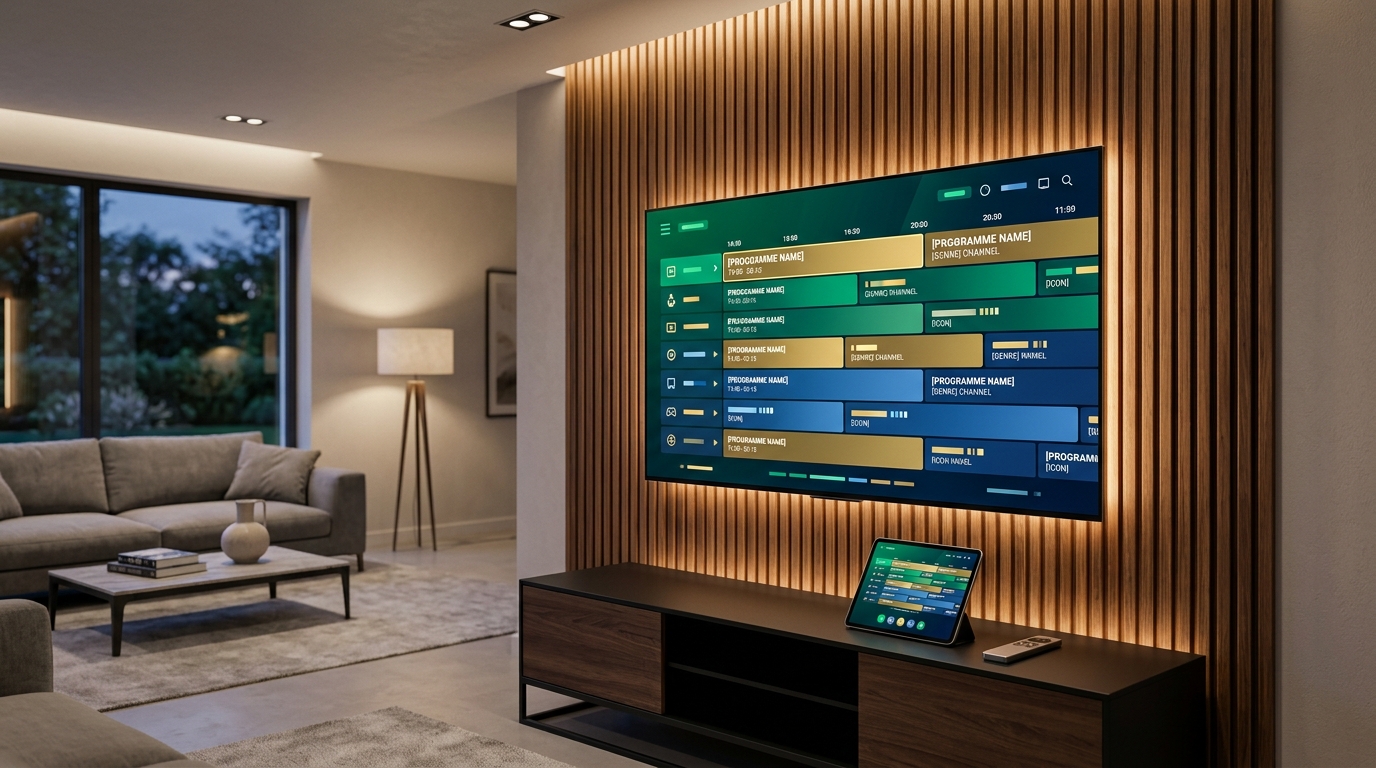
Linear streaming replicates the traditional television channel grid, broadcasting programs in real time according to a scheduled electronic program guide (EPG). This format is indispensable for live sporting events, breaking news, award ceremonies, and local broadcast network coverage.
Carrier-grade IPTV solutions like View IPTV represent the pinnacle of this model, delivering over 50,000 live global channels directly to smart displays without binding cable contracts.
2. Subscription Video On-Demand (SVOD)
SVOD platforms—such as Netflix, Max, Amazon Prime Video, and Disney+—provide expansive on-demand libraries for a flat monthly subscription fee. Viewers can pause, rewind, and binge full seasons of movies and original series on their own schedule.
3. Free Ad-Supported Streaming TV (FAST)
FAST services—including Pluto TV, Tubi, and The Roku Channel—deliver linear thematic channels and on-demand movies supported by programmatic digital commercial breaks. While content libraries consist primarily of older syndicated programming, they provide zero-cost background entertainment.
4. Unified Hybrid Platforms
Unified networks blend expansive linear channel feeds with deep on-demand video libraries under a single unified dashboard. This eliminates the need for "app stacking," allowing users to access live sports, local affiliates, and thousands of blockbuster movies through one responsive application.
Essential Hardware: How to Watch Streaming TV
One of the greatest benefits of internet television is hardware independence. Rather than renting proprietary converter boxes for $15 per month from a cable operator, viewers can utilize affordable, consumer-owned streaming hardware:
• Dedicated Streaming Sticks ($35–$50): Amazon Fire TV Stick 4K and Roku Streaming Stick 4K offer portable, high-speed streaming on any television with an HDMI port. • Premium Streaming Boxes ($130–$180): Apple TV 4K and Nvidia Shield TV Pro deliver lightning-fast UI navigation, advanced color processing, and gigabit ethernet connections. • Smart TV Operating Systems: Samsung Tizen, LG webOS, and Google TV provide direct access to streaming applications without requiring external dongles. • Mobile & Personal Displays: Stream on iPhones, iPads, Android tablets, laptops, and desktop computers while traveling or commuting.
Internet Speed Requirements for Buffer-Free Playback
Because digital video travels across your home broadband connection, having adequate internet throughput ensures smooth, artifact-free viewing:
• Standard Definition (SD): Requires 3 to 5 Mbps per active display. • High Definition (1080p HD at 60 FPS): Requires 10 to 15 Mbps per active display. • Ultra High Definition (4K UHD): Requires 25 to 35 Mbps per active display.
For multi-person households streaming simultaneously in different rooms while browsing the web or gaming, a standard 300 to 500 Mbps broadband connection provides ideal bandwidth and overhead.
Traditional Cable vs. Modern Streaming TV
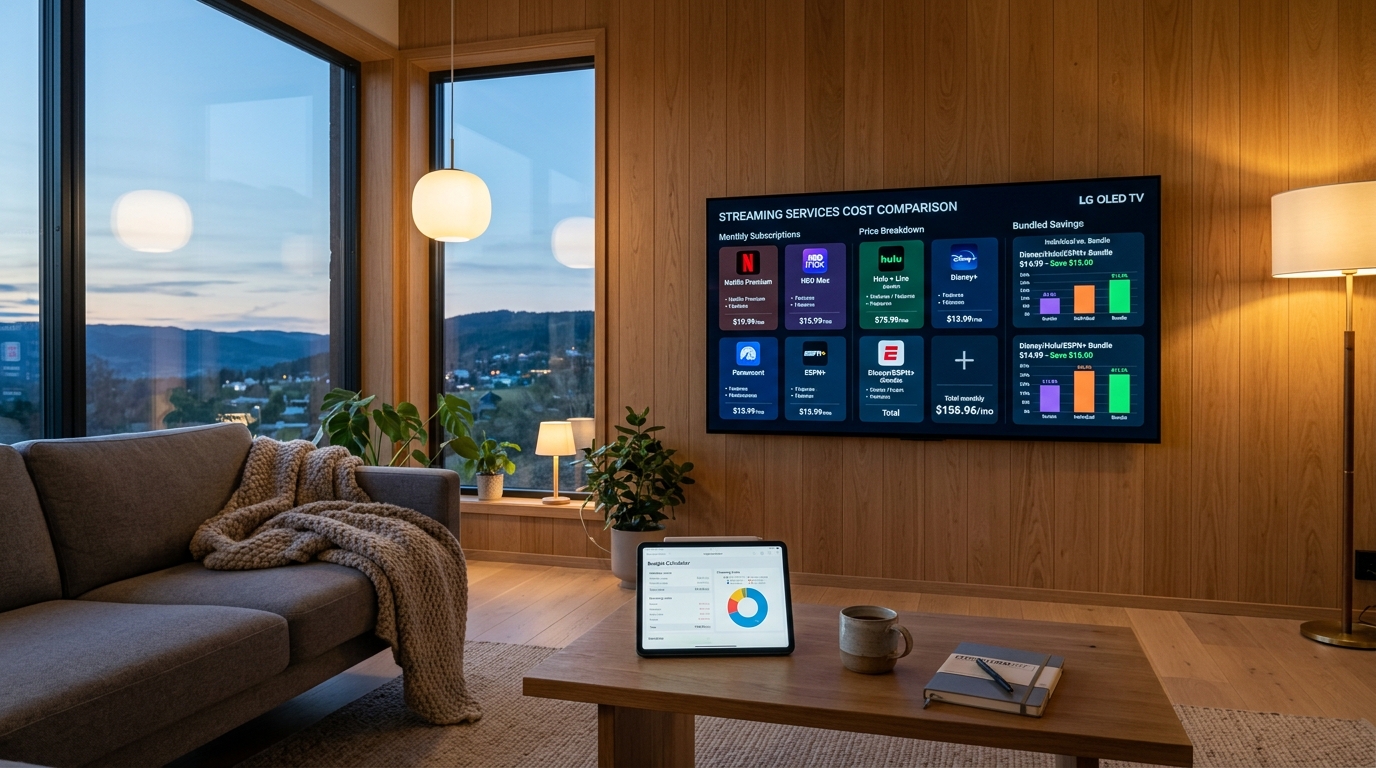
Compare the economics and capabilities between traditional coaxial cable and modern internet video: • Monthly Cost: Cable costs $120–$210+ monthly all-in vs. IPTVBoz at $14.99/mo or $59.99/year. • Channel Lineup: Cable offers 70–220 domestic channels vs. IPTVBoz offering 50,000+ live HD and 4K channels globally. • Hardware Fees: Cable charges $12–$15/mo per room vs. IPTVBoz charging $0 (runs directly on Smart TVs and streaming sticks). • Contracts: Cable enforces 12 to 24 month agreements vs. IPTVBoz offering flexible pay-as-you-go access. • Annual Household Savings: Switching to streaming TV saves households upwards of $1,500 every single year.
To examine local provider availability and packages, explore our guides on cable services, tv and internet packages, and cable television plans.
Step-by-Step: How to Set Up Streaming TV in Your Home
Transitioning from legacy cable to high-performance internet video is straightforward:
1. Verify Your Broadband Speed: Run an online speed test to confirm your home network delivers at least 25 to 50 Mbps download throughput. 2. Equip Your Television Displays: Connect an Amazon Fire TV Stick 4K or Apple TV to your television's HDMI port, or navigate directly to your smart TV's built-in application store. 3. Activate Your Video Subscription: Subscribe to an agile carrier-grade service like IPTVBoz to instantly unlock live broadcast channels, international sports passes, and on-demand movies. 4. Return Leased Hardware: Disconnect your obsolete cable set-top boxes, return them to your provider's local office, and permanently eliminate equipment fees from your billing statement.
Discover our top-ranked recommendations in our best streaming TV service evaluation and review side-by-side platform specs in our best streaming service comparison chart.
Frequently Asked Questions
What equipment do I need to start watching streaming TV?
All you need is a television with an HDMI port, an active broadband internet connection (at least 25 Mbps), and a streaming device such as an Amazon Fire TV Stick, Apple TV, Roku, or a Smart TV with built-in apps.
Can I watch live local channels on streaming TV?
Yes. Modern streaming television platforms and IPTV services carry live affiliate feeds for ABC, CBS, NBC, and FOX, alongside regional sports networks and 24/7 national news channels.
Will streaming TV slow down my home Wi-Fi?
A single HD stream uses only 5 to 10 Mbps of bandwidth, which represents a negligible load on standard 300 to 500 Mbps home internet connections. To guarantee the most stable connection, connect primary 4K displays over 5 GHz Wi-Fi or wired Ethernet.
How much money can I save by switching to streaming TV?
The average household saves between $1,200 and $1,800 annually by canceling traditional cable packages and replacing them with standalone broadband paired with an affordable IPTV service like IPTVBoz.
Do streaming TV platforms require long-term contracts?
No. Unlike traditional cable companies that lock subscribers into 12-to-24 month agreements, streaming TV platforms operate on flexible month-to-month billing models that allow you to cancel or modify your service anytime without penalty.
Need Help Configuring Your Setup?
Our team is active on WhatsApp (+44 7934 683184) and email (tvplusone24@gmail.com) to walk you through playlist setup, recommend media players, or activate your subscription instantly.